- Inicio
- Integrations
-
Storecove
Storecove
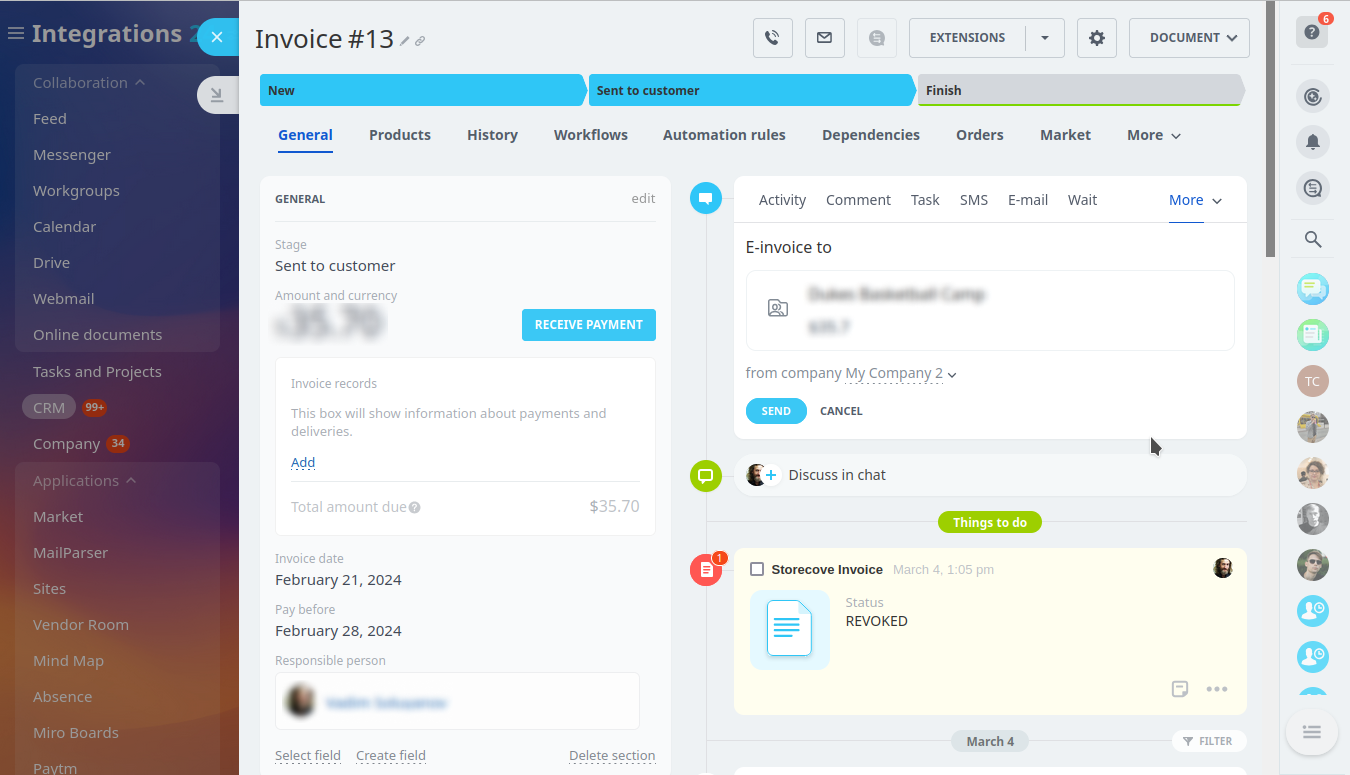
Send invoices to tax authorities using the Storecove and Bitrix24 integration.
Instalar
Gratis
-
EvaluaciónNo hay evaluaciones
-
Instalaciones76
-
DesarrolladorBitrix24 Integrations
Descripción
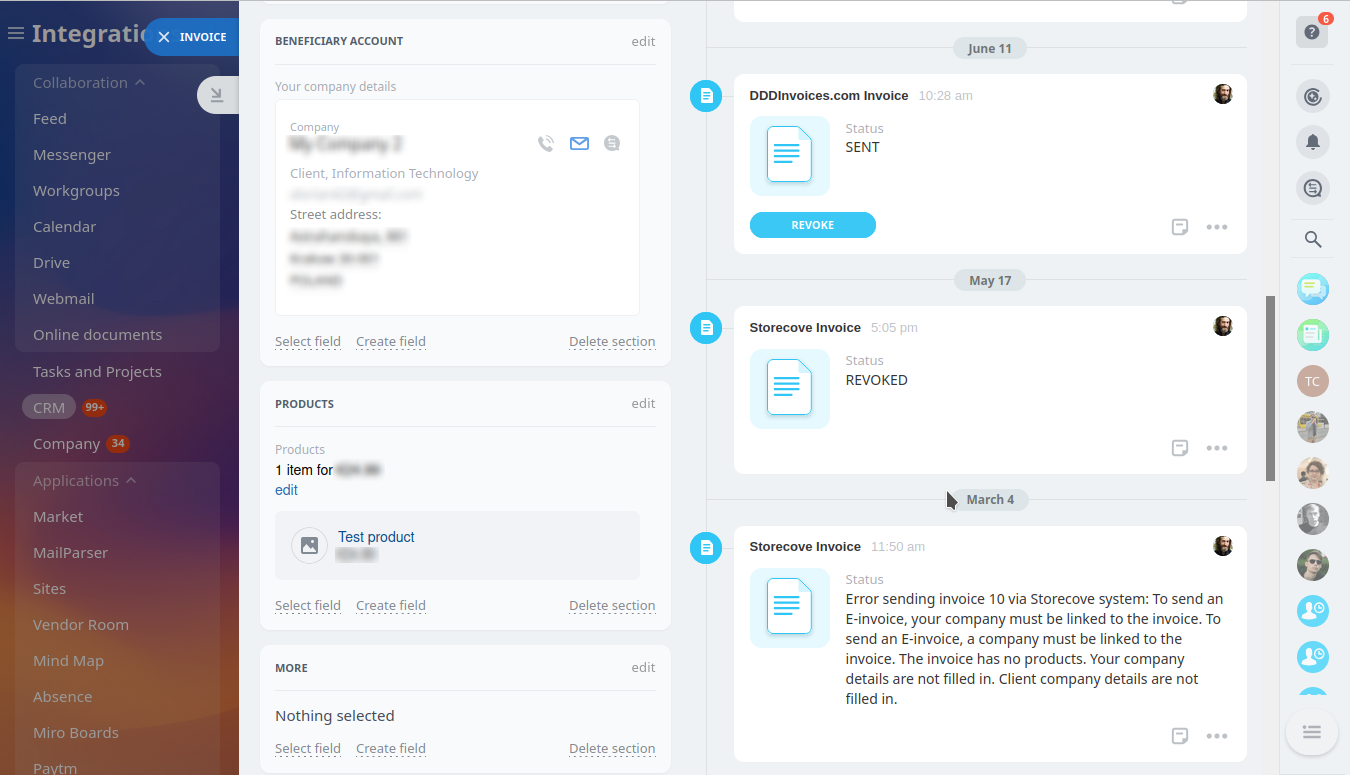
When installed, the application registers a company within the Storecove system and now your Bitrix24 account deals have an option to issue an invoice on behalf of this company. This integration works only when sending invoices to legal entities (B2B) and for business to government (B2G) transactions.
Soporte técnico
If you are facing an issue or would like to receive some more information about the app, kindly contact Bitrix24 support. Our dedicated Integrations support team will be delighted to assist you and provide guidance on any inquiries you may have regarding the app.
Additionally, we highly recommend following the steps outlined in this article to troubleshoot common issues in the event that the app is not functioning or connecting as expected.
Instrucciones de instalación
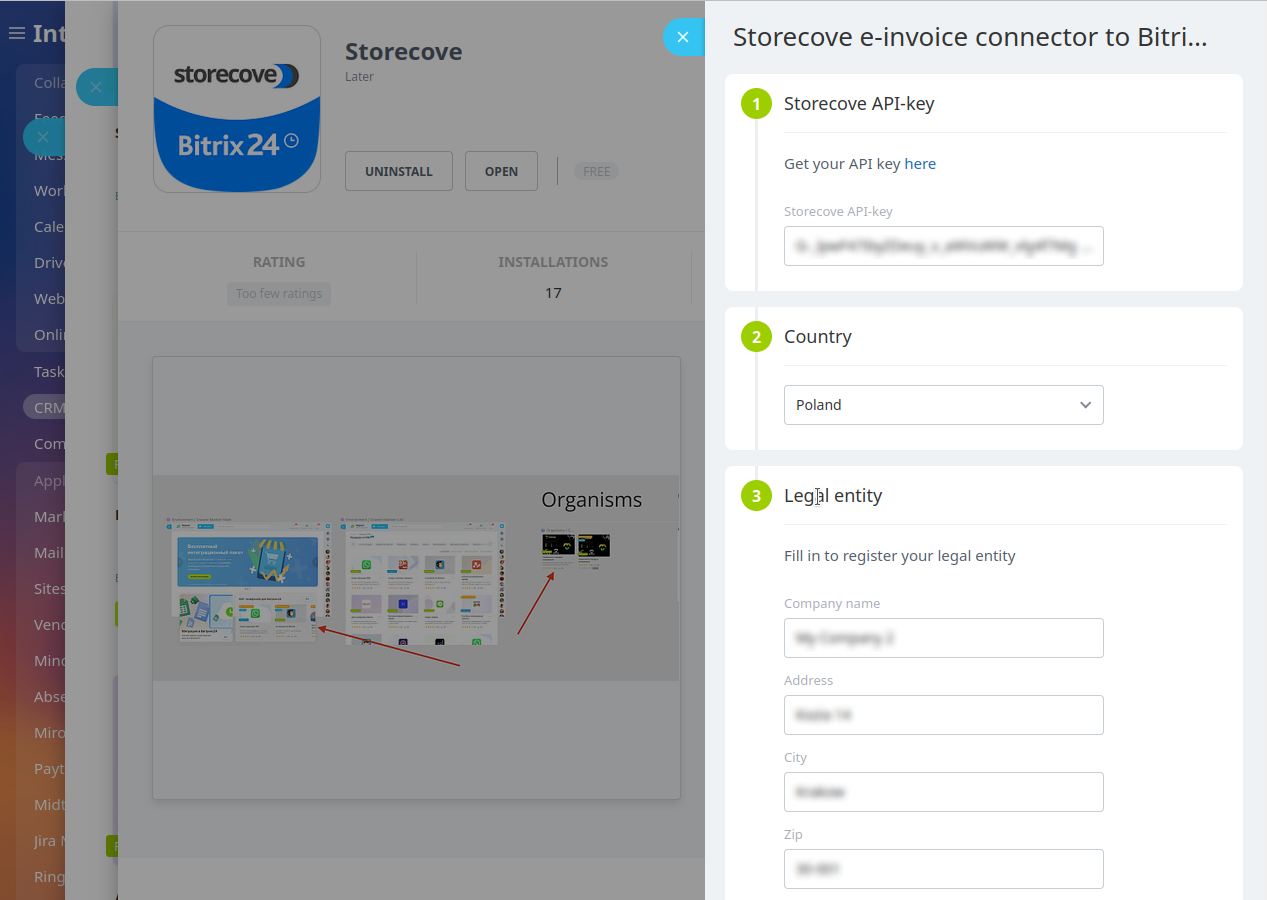
Complete the standard installation from Bitrix24 Market and follow the steps below:
Add an Storecove API key, select the country, provide the company name, address and city, zip-code, and VAT ID.
Now on your Bitrix24 portal you can send invoices to both clients and tax authorities at once.
Add an Storecove API key, select the country, provide the company name, address and city, zip-code, and VAT ID.
Now on your Bitrix24 portal you can send invoices to both clients and tax authorities at once.
Seguridad de los datos
Storecove
La aplicación solicita permiso para acceder a los siguientes datos:
CRM
acceso total: ver, crear, editar y eliminar prospectos, contactos, compañías, negociaciones, facturas, cotizaciones, actividades, campos de usuario, etc.
appform
Usuarios (mínimo)
leer la lista de usuarios y los nombres sin la información de contacto
Business Processes
acceso total: ver, crear, editar y eliminar acciones de flujos de trabajo, reglas de automatización y disparadores; ver la lista de tareas, ejecutar flujos de trabajo
Catálogo comercial
acceso total: agregar, editar y eliminar el catálogo comercial, precios, productos, cotizaciones, almacenes, etc.
Incorporación de aplicaciones
acceso total: ver, crear, editar y eliminar widgets
Evaluación
0 /5
5 estrellas
0
4 estrellas
0
3 estrellas
0
2 estrellas
0
1 estrella
0
Reseñas
¡No hay reseñas!